RAID Levels for CompTIA A+: RAID 0, 1, 5, 6 and 10 Compared
RAID questions are quick marks - check yours
A complete A+ Core 1 practice exam with interactive PBQs and an Exam Coach report that ranks your Hardware domain against the others.
APLUS1-EXAM-FULL
Try a free A+ Core 1 exam
Already have an account? Log in to redeem
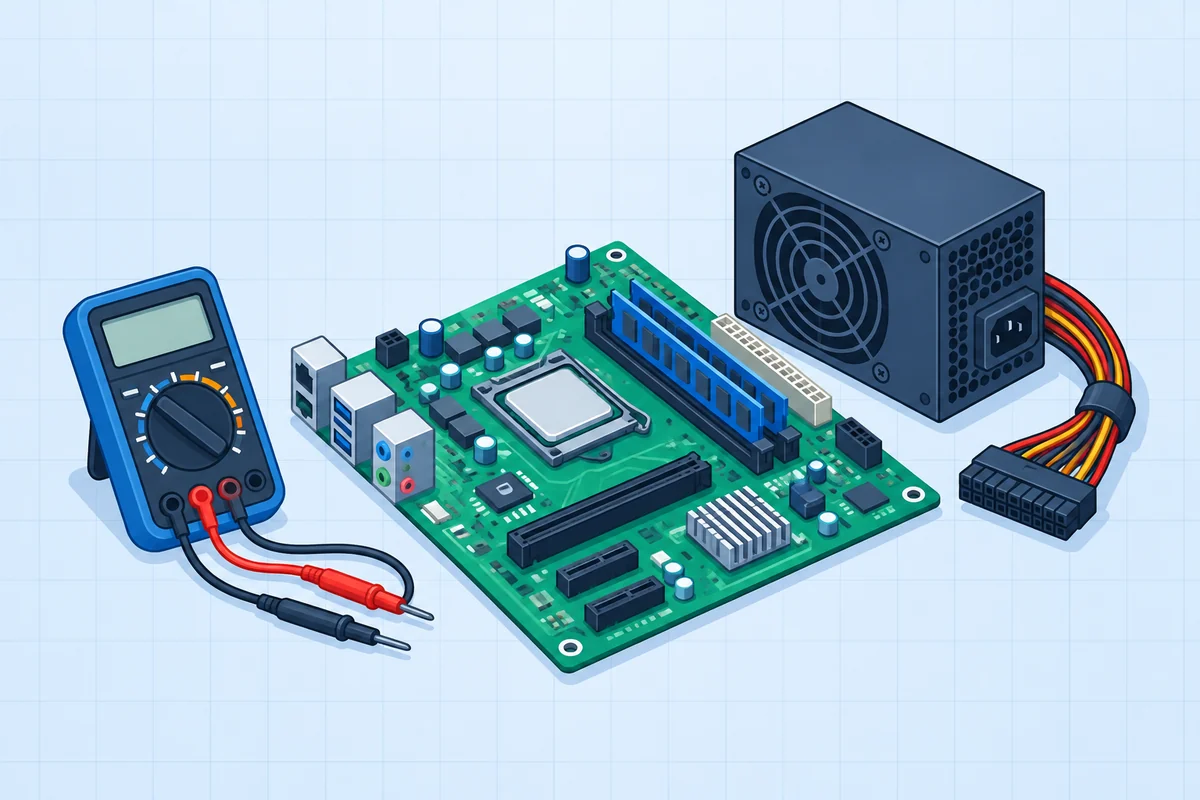 Hardware
Plan the motherboard upgrade.
Identify the exact sockets and connectors before installation.
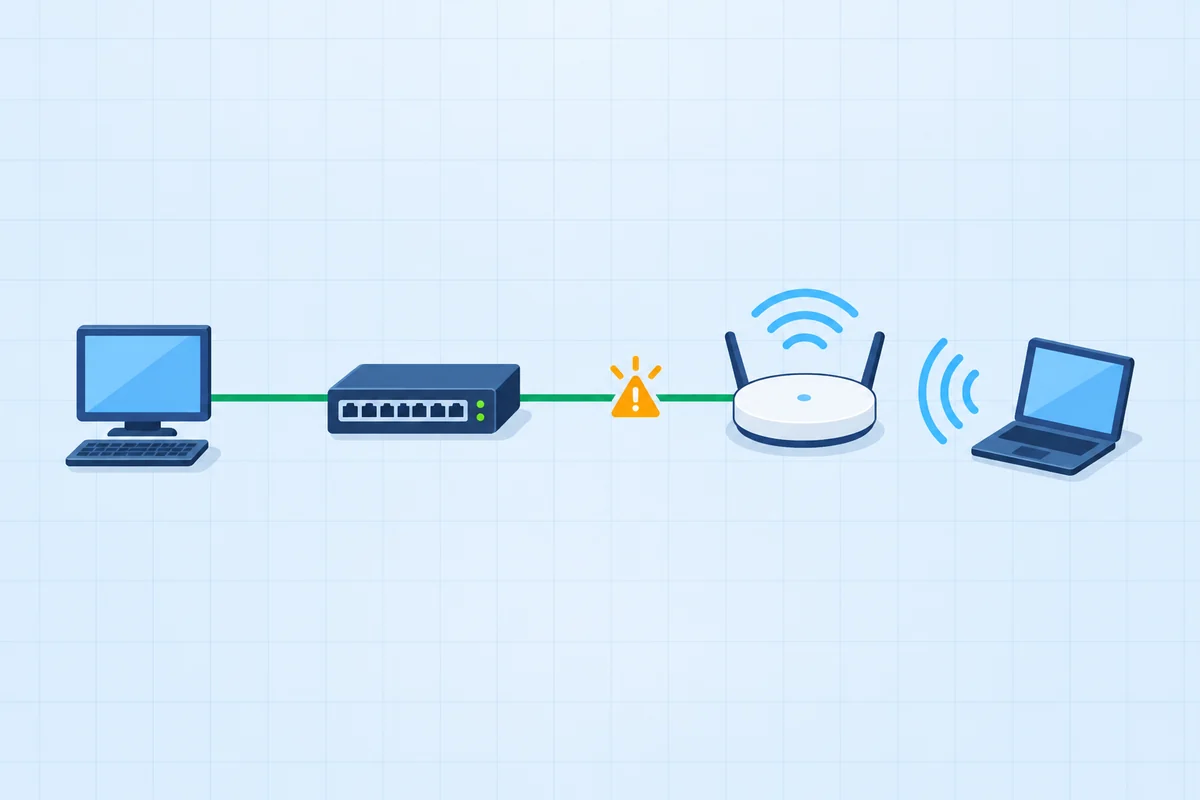 Networking
Connect the new access switch.
Three connections need three different interfaces.
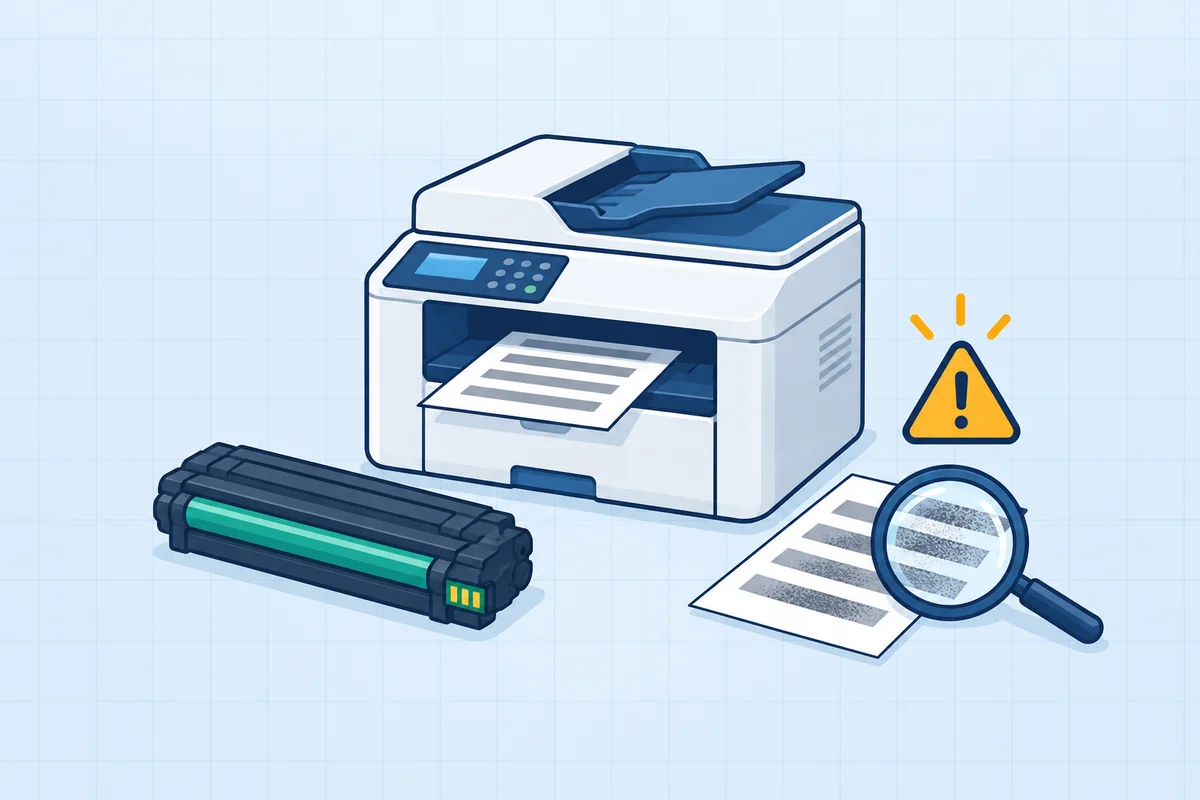 Troubleshooting
Service the laser printer.
Use the failure evidence to choose the right part.
PBQs from the A+ Core 1 pack, each graded outcome by outcome. The free Core 1 exam includes PBQs like these.
A+ Core 1 (220-1201) sub-objective 3.4 lists five RAID levels: RAID 0 (striping, 2+ drives, no fault tolerance), RAID 1 (mirroring, 2 drives, survives one failure), RAID 5 (striping with parity, 3+ drives, survives one failure), RAID 6 (double parity, 4+ drives, survives two) and RAID 10 (mirrored stripes, 4+ drives, survives one failure per mirror). Sub-objective 5.2 tests the symptoms when an array fails.From CompTIA's 220-1201 (V15) exam objectives, document version 4.0, checked 12 November 2026.
In this guide
RAID 0, 1, 5, 6 and 10 compared
| Level | How it works | Minimum drives | Survives | Usable capacity | Choose it for |
|---|---|---|---|---|---|
| RAID 0 | Striping | 2 | No drive failure | 100% | Speed, with backups elsewhere |
| RAID 1 | Mirroring | 2 | 1 drive | 50% | Simple redundancy, OS drives |
| RAID 5 | Striping with single parity | 3 | 1 drive | Drives minus 1 | Capacity plus redundancy |
| RAID 6 | Striping with double parity | 4 | 2 drives | Drives minus 2 | Large arrays, slow rebuilds |
| RAID 10 | Stripe across mirrored pairs | 4 | 1 drive per mirrored pair | 50% | Speed and redundancy together |
Worked examples
- Four 2 TB drives in RAID 5: (4 - 1) x 2 TB = 6 TB usable; one drive can fail.
- Four 2 TB drives in RAID 6: (4 - 2) x 2 TB = 4 TB usable; any two drives can fail.
- Four 2 TB drives in RAID 10: 4 TB usable; survives one failure in each mirrored pair.
- Two 2 TB drives in RAID 0: 4 TB usable; lose either drive and you lose everything.
RAID and drive symptoms (5.2)
| Symptom in 5.2 | What it usually points to |
|---|---|
| RAID failure, array missing | Failed drive or controller, or a configuration lost after a firmware or BIOS/UEFI change |
| Audible alarms | A RAID controller warning that the array is degraded |
| Missing drives in OS | Failed drive, cable or controller, or the array not presented to the OS |
| S.M.A.R.T. failure | A drive predicting its own failure; replace it before the array degrades |
| Clicking or grinding noises | Mechanical hard drive failure |
| Extended read/write times, low IOPS | A degraded array rebuilding, a failing drive or the wrong RAID level for the load |
| Bootable device not found, data loss/corruption, LED status indicators | Boot order or failed boot drive; check the drive and array LEDs |
RAID: practice questions
Five questions, answers explained. No signup.
RAID is a small part of Hardware's 25%
A full Core 1 paper tests it with everything else. Free, no credit card.
Try a free A+ Core 1 examA+ packs are $39 once per core: 4 Core 1 exams (354 questions, 19 PBQs) and 3 Core 2 exams (262 questions, 15 PBQs), lifetime.
Frequently asked questions
Which RAID levels are on the A+ exam?
RAID 0, 1, 5, 6 and 10, listed in 220-1201 sub-objective 3.4. Troubleshooting drive and RAID issues is sub-objective 5.2.
What is the minimum number of drives for each RAID level?
RAID 0 needs 2, RAID 1 needs 2, RAID 5 needs 3, RAID 6 needs 4 and RAID 10 needs 4.
How do you calculate usable capacity in RAID 5 and RAID 6?
RAID 5 gives the total of all drives minus one drive; RAID 6 gives the total minus two drives. Four 2 TB drives give 6 TB in RAID 5 and 4 TB in RAID 6.
Which RAID level is fastest?
RAID 0, because it stripes data across drives with no parity, but it has no fault tolerance. RAID 10 combines striping speed with mirrored redundancy.
Is RAID a backup?
No. RAID keeps a system running through a drive failure, but it does not protect against deletion, corruption or ransomware.