CompTIA A+ Ports and Protocols Cheat Sheet: The Exact 220-1201 Port List
Know the ports? Prove it on a full paper
A complete A+ Core 1 practice exam with interactive PBQs, including port and protocol matching, and an Exam Coach report at the end.
APLUS1-EXAM-FULL
Try a free A+ Core 1 exam
Already have an account? Log in to redeem
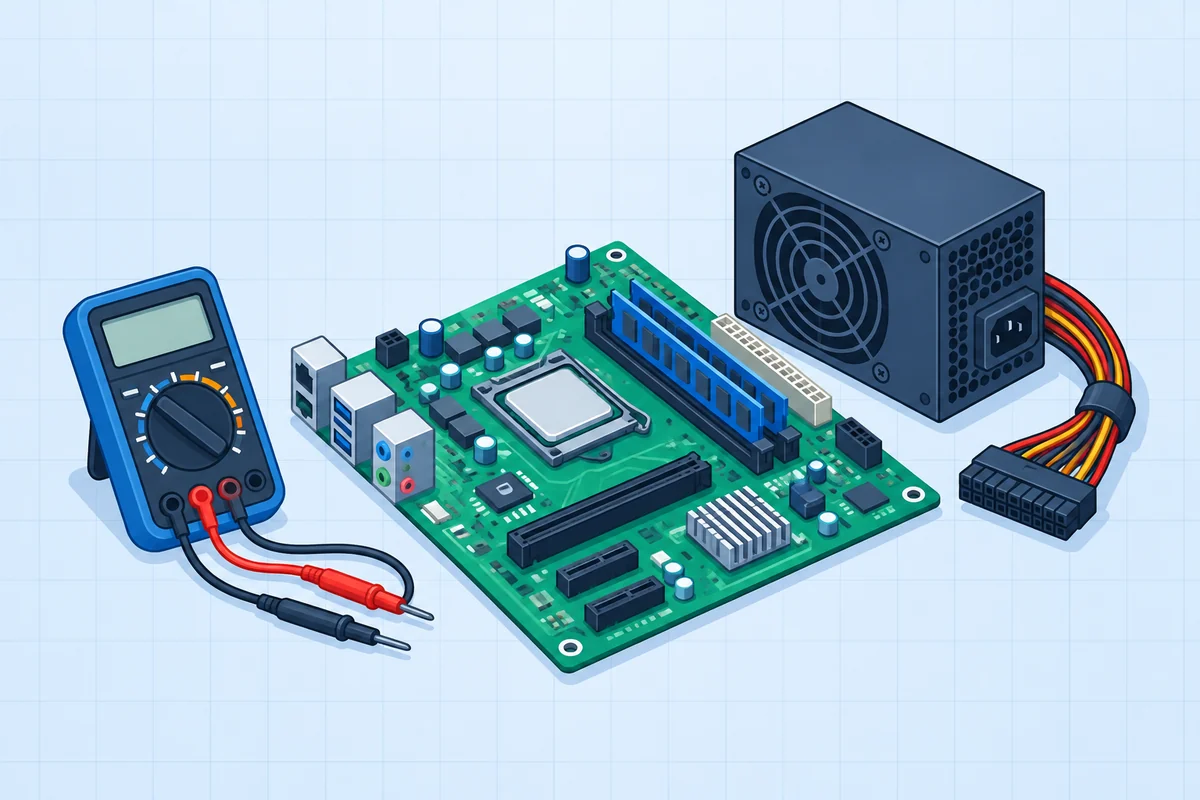 Hardware
Plan the motherboard upgrade.
Identify the exact sockets and connectors before installation.
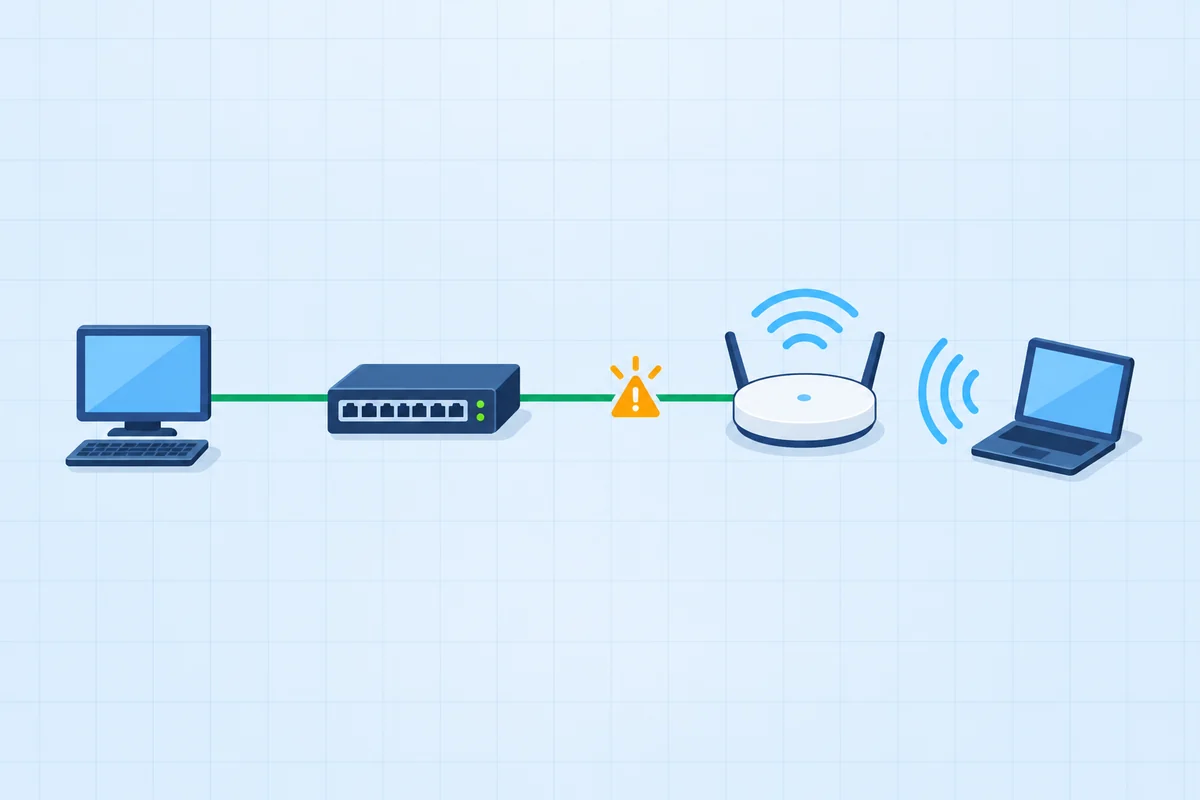 Networking
Connect the new access switch.
Three connections need three different interfaces.
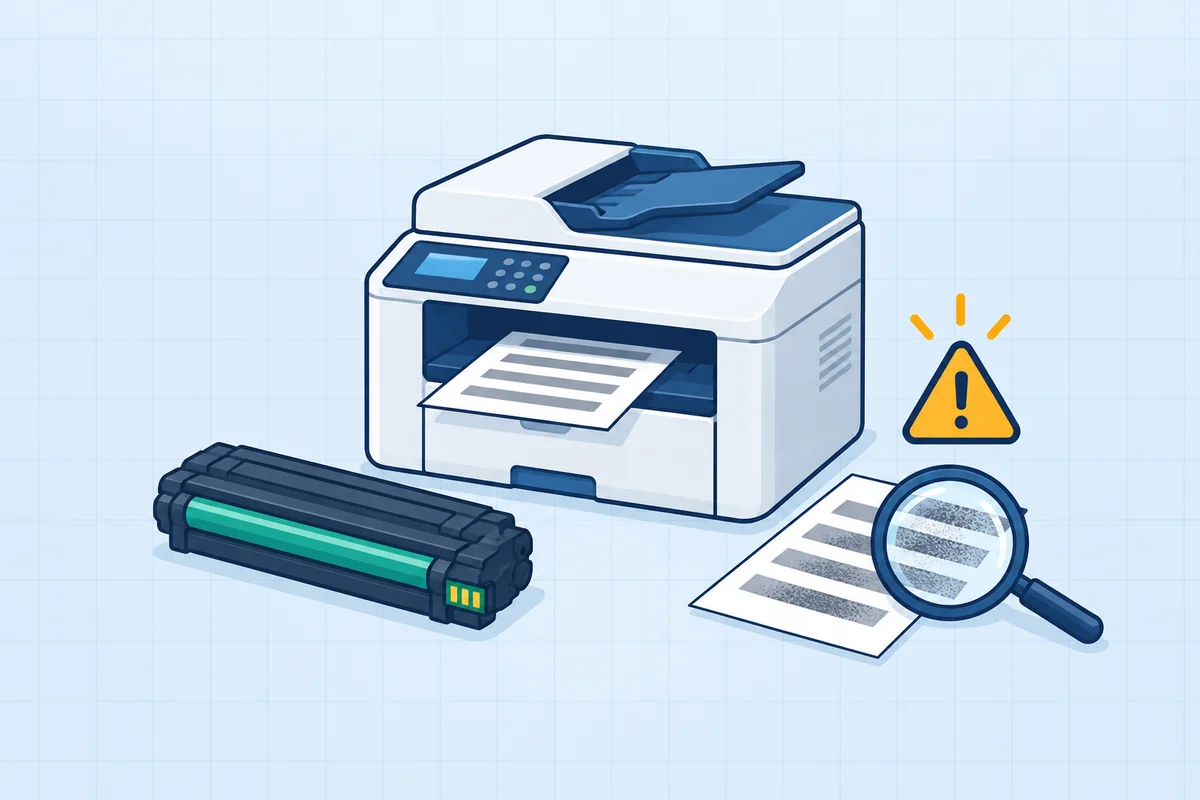 Troubleshooting
Service the laser printer.
Use the failure evidence to choose the right part.
PBQs from the A+ Core 1 pack, each graded outcome by outcome. The free Core 1 exam includes PBQs like these.
CompTIA A+ Core 1 (220-1201) sub-objective 2.1 lists 14 port entries: FTP 20-21, SSH 22, Telnet 23, SMTP 25, DNS 53, DHCP 67/68, HTTP 80, POP3 110, NetBIOS/NetBT 137-139, IMAP 143, LDAP 389, HTTPS 443, SMB/CIFS 445 and RDP 3389, plus TCP vs UDP. SNMP (161/162) is not on the V15 port list, although the acronym SNMP is.From CompTIA's 220-1201 (V15) exam objectives, document version 4.0, checked 12 November 2026.
In this guide
The 220-1201 port list
| Port | Protocol | TCP / UDP | What it does |
|---|---|---|---|
20-21 | FTP (File Transfer Protocol) | TCP | File transfer. 20 carries data, 21 carries commands. Unencrypted. |
22 | SSH (Secure Shell) | TCP | Encrypted remote command line. SFTP runs over it. |
23 | Telnet (Telnet) | TCP | Unencrypted remote command line. Replaced by SSH. |
25 | SMTP (Simple Mail Transfer Protocol) | TCP | Sends email, client to server and server to server. |
53 | DNS (Domain Name System) | UDP and TCP | Resolves names to IP addresses. UDP for most queries, TCP for zone transfers and large replies. |
67/68 | DHCP (Dynamic Host Configuration Protocol) | UDP | Hands out IP addresses. 67 is the server, 68 the client. |
80 | HTTP (Hypertext Transfer Protocol) | TCP | Web traffic, unencrypted. |
110 | POP3 (Post Office Protocol 3) | TCP | Downloads email to one device, usually removing it from the server. |
137-139 | NetBIOS/NetBT (NetBIOS over TCP/IP) | UDP 137-138, TCP 139 | Legacy Windows name resolution and file sharing. |
143 | IMAP (Internet Mail Access Protocol) | TCP | Reads email kept on the server, synchronised across devices. |
389 | LDAP (Lightweight Directory Access Protocol) | TCP and UDP | Queries a directory such as Active Directory. |
443 | HTTPS (Hypertext Transfer Protocol Secure) | TCP | Web traffic encrypted with TLS. |
445 | SMB/CIFS (Server Message Block / Common Internet File System) | TCP | Windows file and printer sharing. |
3389 | RDP (Remote Desktop Protocol) | TCP and UDP | Windows Remote Desktop. |
These are the 14 entries in sub-objective 2.1, in CompTIA's order. The TCP/UDP column is the usual transport for each service; 2.1 asks you to compare and contrast the two.
TCP vs UDP
| TCP | UDP | |
|---|---|---|
| Connection | Connection-oriented: a handshake first | Connectionless: just sends |
| Delivery | Guaranteed, in order, with retransmission | Best effort, no retransmission |
| Speed and overhead | More overhead | Less overhead, lower latency |
| Typical use on the list | Web, email, file sharing, remote access | DHCP, most DNS queries, NetBIOS name service |
How to memorise them
- Learn them in pairs. Insecure and secure versions of the same job: Telnet 23 and SSH 22; HTTP 80 and HTTPS 443.
- Group the email ports. SMTP 25 sends; POP3 110 and IMAP 143 receive.
- Group the Windows ports. NetBIOS 137-139, SMB 445 and RDP 3389 are the ones a Windows help desk sees.
- Drill both directions. Number to protocol and protocol to number. PBQs often show a firewall or service list and ask which port to open.
Ports old study guides list that 220-1201 does not
Older material often adds SNMP 161/162, the secure email ports (465 or 587, 993, 995) and LDAPS 636. None of these is in the V15 sub-objective 2.1 list. SNMP still appears on CompTIA's acronym list, so know what it stands for. Learn the 14 listed entries first; recognise the others if you meet them at work.
Related: services and devices on the same objectives
Sub-objective 2.3 lists the server roles behind these ports: DNS, DHCP, file share, print, mail, syslog, web, AAA, database and NTP servers, plus spam gateways, UTM, load balancers and proxies. Questions often pair a role with its port: a mail server and SMTP 25, a directory and LDAP 389. More: every Core 1 objective.
A+ ports: practice questions
Five questions, answers explained. No signup.
Ports are one sub-objective of 27
A full Core 1 paper tests them alongside everything else, PBQs included. Free, no credit card.
Try a free A+ Core 1 examA+ packs are $39 once per core: 4 Core 1 exams (354 questions, 19 PBQs) and 3 Core 2 exams (262 questions, 15 PBQs), lifetime.
Frequently asked questions
What ports do I need to know for A+?
The 14 entries in 220-1201 sub-objective 2.1: FTP 20-21, SSH 22, Telnet 23, SMTP 25, DNS 53, DHCP 67/68, HTTP 80, POP3 110, NetBIOS/NetBT 137-139, IMAP 143, LDAP 389, HTTPS 443, SMB/CIFS 445 and RDP 3389, plus the difference between TCP and UDP.
Is SNMP on the A+ 220-1201 port list?
No. SNMP 161/162 is not in sub-objective 2.1 on V15, although SNMP appears on CompTIA's acronym list.
Which A+ core covers ports?
Core 1 (220-1201), in sub-objective 2.1 of the Networking domain, which is 23% of the exam.
Does A+ test whether a port uses TCP or UDP?
Yes. Sub-objective 2.1 asks you to compare and contrast TCP and UDP ports, protocols and their purposes.
What is the difference between POP3 and IMAP?
POP3 on port 110 downloads mail to one device, usually removing it from the server. IMAP on port 143 keeps mail on the server and synchronises it across devices.
Are port numbers asked in A+ PBQs?
They can be. A common format shows services or firewall rules and asks which port or protocol fits, so drill the list in both directions.