CompTIA A+ Home Lab: What to Build for Core 1 and Core 2, and What It Costs
Pair the lab with a full paper
A lab teaches the hands. A timed paper with PBQs tells you whether it shows up as marks. One free per core.
APLUS1-EXAM-FULL
Try a free A+ Core 1 exam
APLUS2-EXAM-FULL
Try a free A+ Core 2 exam
Already have an account? Log in to redeem
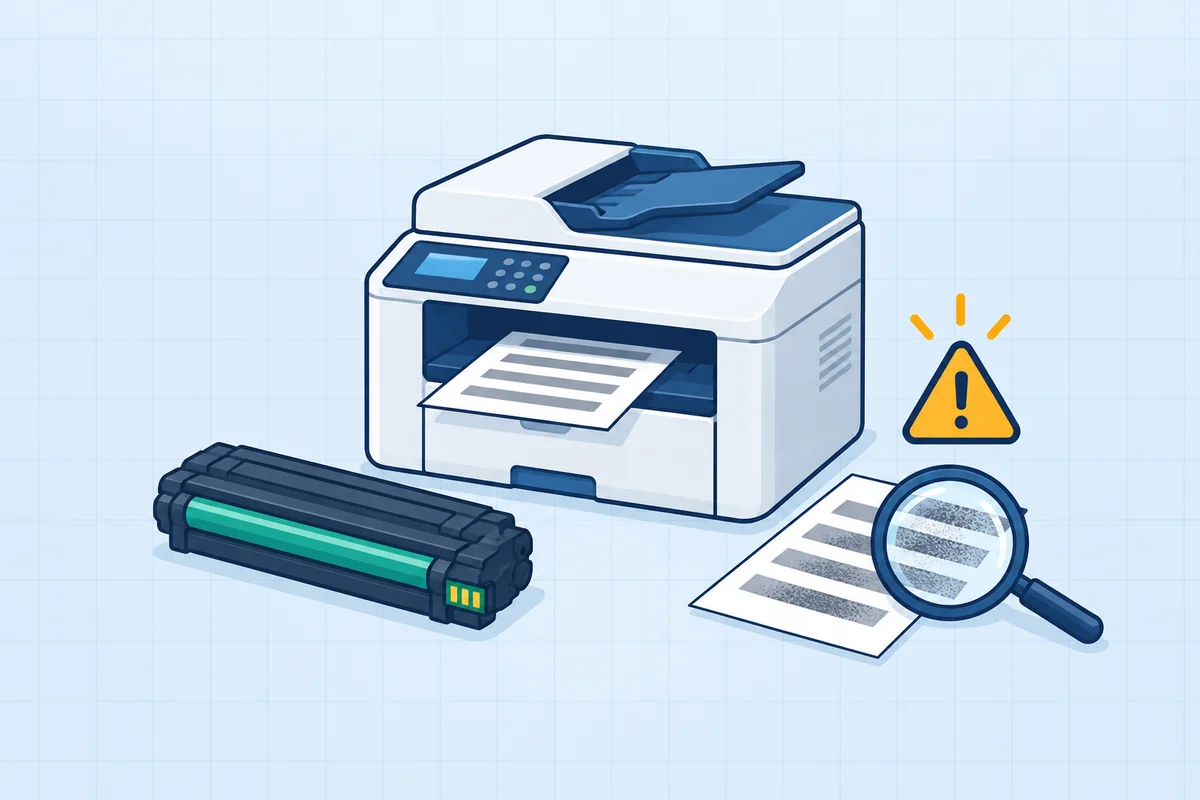 Troubleshooting
Service the laser printer.
Use the failure evidence to choose the right part.
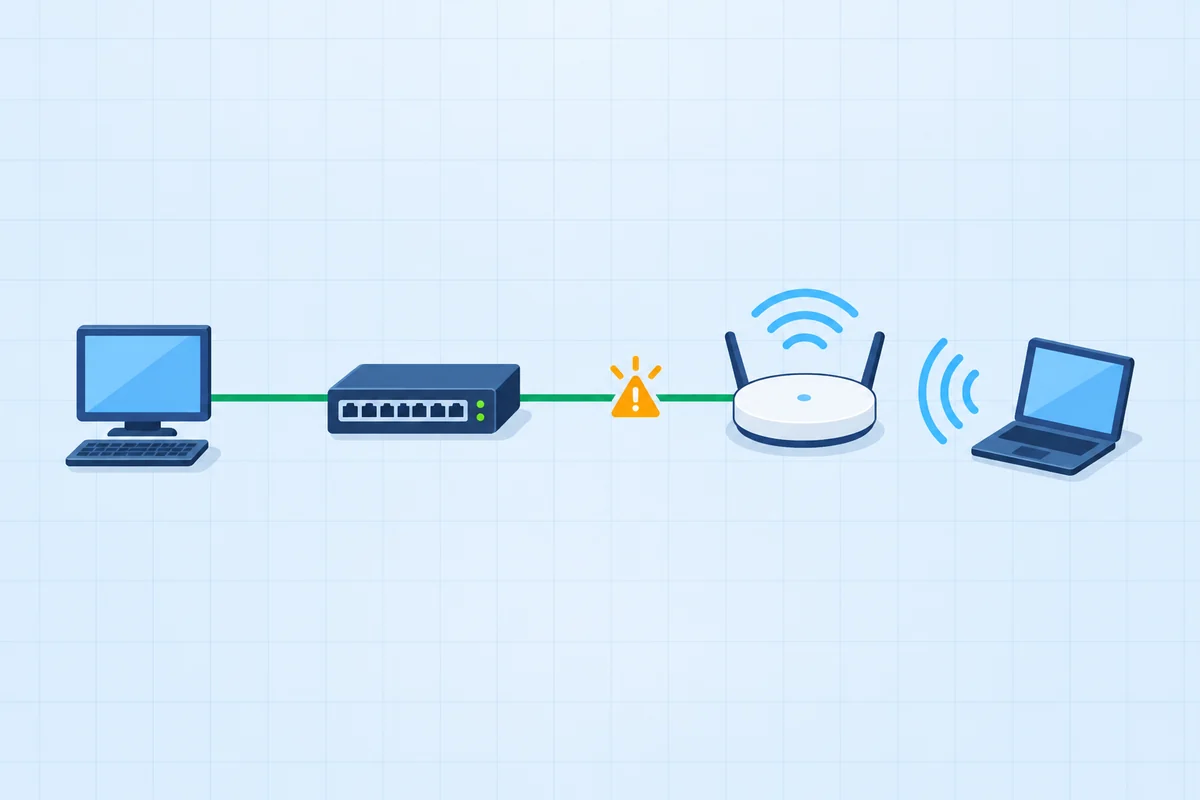 Networking
Connect the new access switch.
Three connections need three different interfaces.
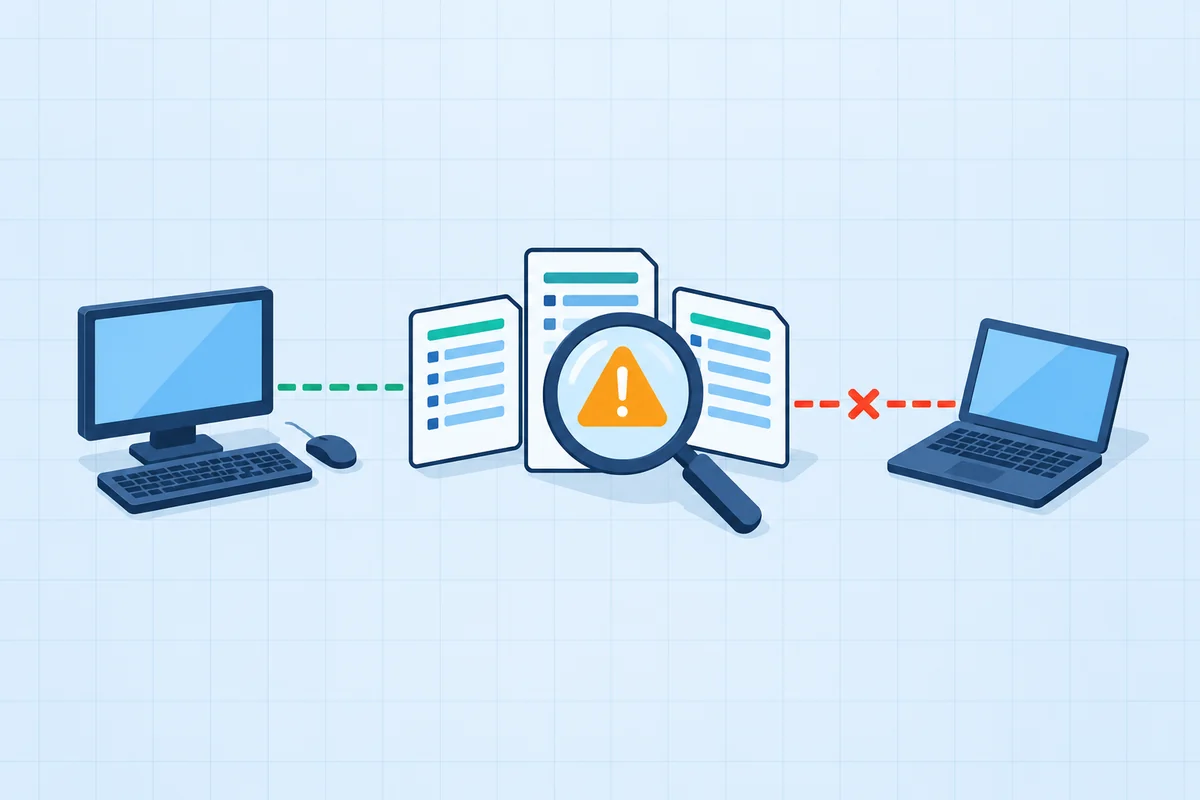 Security
Remove the confirmed infection through the approved recovery gates.
Isolation, trusted remediation and verified return are separate stages.
PBQs from the A+ Core 1 and Core 2 packs, each graded outcome by outcome. Each free A+ exam includes PBQs like these, where the real exam puts them.
A good A+ home lab costs little: an old desktop PC you can take apart (Core 1 hardware), a consumer router to configure (Core 1 networking), and virtual machines for Windows and Linux on the computer you already own (Core 2). CompTIA's own objectives include a sample equipment list, and most of it can be borrowed, bought used or replaced by free software.Mapped to CompTIA's V15 objectives, checked 12 November 2026.
In this guide
What to build, mapped to the objectives
| Lab piece | What you practise | Objectives |
|---|---|---|
| An old desktop PC and a screwdriver | Remove and reseat RAM, storage, power supply and expansion cards; read BIOS/UEFI settings | Core 1 3.3-3.6, 5.1 |
| Two or three spare drives | Build RAID 0 and RAID 1 in the OS or on the motherboard, then pull a drive | Core 1 3.4, 5.2 |
| A consumer Wi-Fi router | SSID, channels, 2.4 vs 5 GHz, DHCP reservations, port forwarding, firmware update | Core 1 2.2, 2.6 |
| Patch cables, a cable tester, a crimper | Make and test a straight-through cable to T568B | Core 1 3.2, 2.8 |
| Virtual machines (Windows and Linux) | Install, upgrade, user accounts, permissions, Windows tools and commands, Linux file commands | Core 2 1.1-1.9, 2.2 |
| A spare phone or tablet | Pairing, sync, screen lock, encryption and remote wipe settings | Core 1 1.3, Core 2 2.8 |
| A printer, if you have one | Drivers, sharing, duplex, firmware and maintenance tasks | Core 1 3.7, 3.8, 5.6 |
Free software that covers Core 2
- A hypervisor: VirtualBox, or Hyper-V on Windows Pro and Enterprise editions. Core 1 4.1 asks you to know hypervisor types; running one teaches it.
- Windows: Microsoft offers time-limited evaluation copies, enough to practise installs, settings and tools.
- Linux: any mainstream desktop distribution, for the 1.9 commands such as
ls,chmod,sudoand package management. - Snapshots: take one before every exercise so you can break things and roll back.
What to skip
- Servers and racks. A+ is support work; a used desktop teaches more per pound than server hardware.
- Expensive new parts. The objectives test recognition and procedure, not current-generation performance.
- A full Active Directory build. Core 2 asks you to join a domain and manage accounts, which you can see in a single evaluation VM.
Where the lab meets the exam
Performance-based questions put these tasks on screen: connect devices to the right ports, configure a SOHO router, remove malware in order, change Windows settings. A lab makes them familiar; practising the PBQ format itself, against the clock, is what turns that into marks. See A+ PBQ practice and the best A+ PBQ simulators.
Turn the lab into marks
A full-length paper per core with interactive PBQs, free, so you can see which lab skills already show up as points.
Try a free A+ Core 1 exam Try a free A+ Core 2 examA+ packs are $39 once per core: 4 Core 1 exams (354 questions, 19 PBQs) and 3 Core 2 exams (262 questions, 15 PBQs), lifetime.
Frequently asked questions
Do I need a home lab for A+?
It is not required, but it helps, especially for PBQs. CompTIA recommends 12 months of hands-on experience; a small lab is the cheapest way to get some of it.
What equipment do I need for an A+ home lab?
An old desktop PC to take apart, a consumer Wi-Fi router, a few patch cables and a cable tester, and virtual machines for Windows and Linux on the computer you already own.
Can I practise A+ Core 2 with virtual machines?
Yes. Windows and Linux virtual machines cover most of Core 2's operating system, command line and security settings practice, and snapshots let you undo mistakes.
How much does an A+ home lab cost?
Very little if you reuse an old PC and router and use free virtualization software. Most candidates spend more on cables and a tester than on anything else.